
Nailing the Zoom Interview: Tips You Wish Weren’t Necessary (But Absolutely Are)
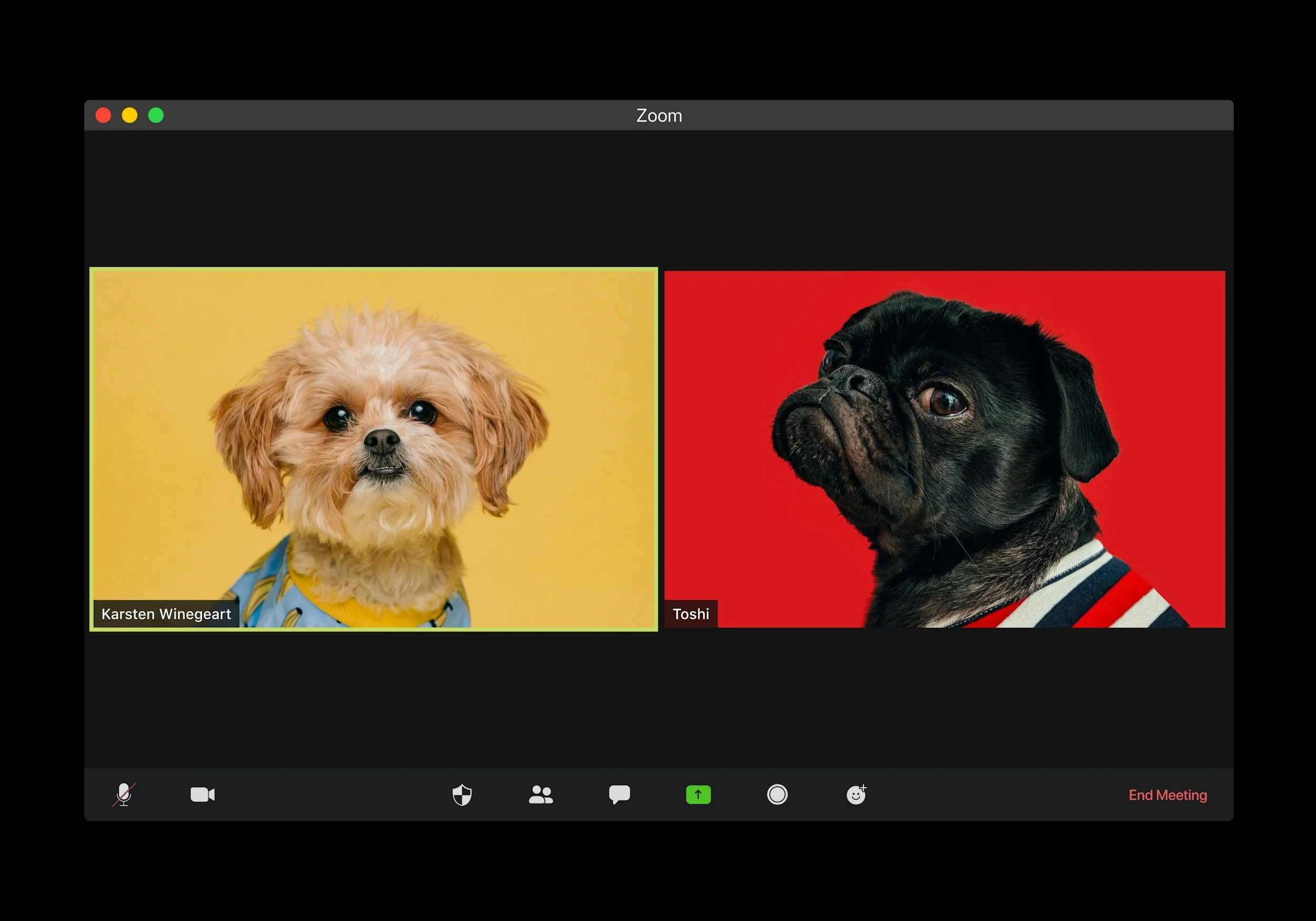
We love your pets, but not on Zoom…sorry.
How to Nail a Zoom Interview for Faculty and Nonprofit Leadership Roles in 2026
In today’s competitive job market, a strong Zoom interview can make or break your chances of landing a faculty position or nonprofit leadership role. Whether you are interviewing for a tenure-track appointment, a dean position, or an executive director role, your virtual interview performance matters just as much as your CV.
Search committees and hiring panels are still relying heavily on virtual interviews. According to LinkedIn’s hiring research, remote interviews remain a standard part of recruitment across higher education and nonprofit sectors. That means your online presence, virtual communication skills, and professional setup are part of your candidacy.
If you are also preparing your application materials, review our guide to Academic CV Writing and Faculty Application Strategy (insert your internal link here) before your interview. Strong materials get you in the room. Strong Zoom interview skills get you to the next round.
Over the past few months, we have conducted more than 40 Zoom interviews for faculty and nonprofit leadership roles. We have seen thoughtful, compelling candidates. We have also seen car interviews, dark rooms, and vertical phone screens. Yes, all of them.
Here is how to strengthen your Zoom interview skills with preparation, professionalism, and just enough personality to feel human.
Perfect Your Zoom Background
Your Zoom background speaks before you do. In faculty interviews and nonprofit leadership searches, credibility and professionalism are essential.
Choose a neutral backdrop:
• A plain wall
• A tidy bookshelf
• A clean office space
• A simple, uncluttered corner
If you are applying for a faculty position, a bookshelf with relevant texts can reinforce your academic identity. If you are interviewing for nonprofit leadership, a clean, mission-aligned workspace suggests organization and clarity. Just make sure it is not a chaotic archive of your entire life.
A virtual background is acceptable, but only if it looks natural and does not glitch. Disappearing shoulders are not a strong leadership signal.
Consider investing in a basic ring light. Good lighting can dramatically improve your professional appearance during a virtual interview. If your home is not quiet or suitable, reserve a study room at a library or rent a small meeting space for an hour. That small step shows seriousness and preparation.
If you need deeper guidance on professional presence, see our article on Executive Presence in Higher Education Leadership (insert your internal link here).
Avoid:
• Sitting in your car
• Being barely visible in low light
• Holding your phone vertically
Yes, we have seen all three. More than once.
2.Test Your Technology Like It Is Part of the Interview
In remote job interviews, your tech setup is part of your first impression.
Before your Zoom interview:
• Check your internet connection
• Test your microphone and camera
• Confirm your audio input matches your headset or mic
• Use horizontal orientation
• Raise your laptop to eye level
Eye level framing creates stronger virtual eye contact. In leadership and faculty roles, presence matters. Looking down into your camera from below does not communicate authority. It communicates that your laptop is sitting on a coffee table.
Avoid oversized gaming headsets that dominate the screen. A simple, non-distracting headset is fine. Or use your built-in mic if it is clear.
Do a practice run. Record yourself answering a common faculty interview question such as, “How does your research advance the field?” or a nonprofit leadership question like, “How do you build sustainable funding streams?”
For nonprofit candidates, reviewing current sector trends from BoardSource https://boardsource.org or Independent Sector https://independentsector.org can help you frame answers in a contemporary context. Demonstrating awareness of governance, funding models, and board engagement strengthens your credibility.
You may feel calm. On screen, you may look like you just sprinted up three flights of stairs. Better to know in advance.
3.Keep It Distraction Free
Faculty search committees and nonprofit boards are evaluating more than your answers. They are observing judgment, focus, and professionalism.
Remove distractions:
• Silence notifications
• Close extra browser tabs
• Secure pets in another room
• Clear visible clutter
Your search committee should not be competing with your laundry pile or your enthusiastic terrier for attention.
In leadership roles especially, composure and environmental awareness matter. A clean visual field signals that you respect the process and the people in it.
If you are preparing for a campus interview round after Zoom, read our Campus Visit Survival Guide for Faculty Candidates (insert your internal link here) to prepare for the next stage.
4.Notes Are Fine. Scripts Are Not.
For faculty and nonprofit leadership interviews, preparation is expected. Having notes nearby is smart. Reading a script word for word is not.
Instead of writing out full paragraphs, jot down:
• Key accomplishments
• Metrics and impact points
• Research themes
• Strategic priorities
For example, if asked about your leadership philosophy, you might write three words: collaboration, accountability, sustainability. Then speak naturally.
Here is a slightly mischievous but effective tip. If a panelist looks intimidating or distracted and it throws you off, place a small sticky note near your camera and focus there instead. It keeps your eye line steady and helps you stay grounded. They will never know.
If you struggle with structured responses, our Interview Coaching for Academic and Nonprofit Leaders page (insert your internal link here) outlines common leadership questions and sample frameworks.
5.Breathe and Pace Yourself
Faculty and nonprofit leadership interviews often include complex, multi-layered questions. It is easy to rush.
Keep water nearby. Taking a sip before answering gives you a few seconds to gather your thoughts. Silence feels longer to you than it does to them.
Strategic pauses show thoughtfulness. Rushing suggests nerves. In leadership hiring, calm pacing communicates confidence and stability.
Research on executive communication consistently shows that slower, deliberate pacing increases perceived authority. In short, breathe. You are not in a race.
6.Manage Emotion While Staying Authentic
In mission-driven roles, candidates often speak about their “why.” That passion is powerful and important.
But emotional regulation is also part of executive presence.
In recent interviews, a noticeable number of candidates became visibly overwhelmed while describing their personal connection to the mission. While authenticity is valued in nonprofit leadership and higher education, your message must remain clear and professional.
If you feel emotional:
• Pause
• Take a breath
• Refocus on outcomes and impact
You can be passionate without losing structure. Passion plus clarity is compelling. Passion without focus is distracting.
7.Ask for Clarification When Needed
Virtual interviews are not perfect. Audio can cut out. Questions can be layered.
If you did not hear or understand a question, say so.
“Could you please repeat that?”
“I want to be sure I address the full question.”
That signals careful listening. Answering the wrong question with confidence is far worse.
8.Use the Three Point Answer Method
For faculty and nonprofit leadership roles, structured thinking is critical. One effective approach is the three point method.
When asked, “What is your approach to shared governance?” or “How do you lead diverse teams?” respond with a clear structure.
For example:
“My leadership approach centers on shared decision-making, transparent communication, and measurable impact.”
Then expand briefly on each point.
This approach works especially well in Zoom interviews because:
• It is easy to follow
• It helps note takers
• It keeps you concise
• It demonstrates organized thinking
If you want more examples of leadership framing strategies, see our guide to Strategic Vision Statements for Higher Education and Nonprofit Leaders (insert your internal link here).
9. End Strong and Stay Within the Format
As your Zoom interview closes:
• Thank the committee or board
• Express enthusiasm for the role
• Reinforce alignment with the institution or mission
Avoid introducing new, unrelated ideas at the end. Do not suddenly offer to present an additional proposal that was not requested. Panels are often on tight schedules, especially in faculty searches and nonprofit executive hiring.
Respect for time signals professionalism and leadership maturity.
10. Final Takeaway
A successful Zoom interview for faculty and nonprofit leadership roles comes down to preparation, presentation, and presence.
Set up a professional environment. Test your technology. Structure your answers. Pace yourself. Stay authentic but grounded. End with clarity and confidence.
Virtual interviews are now a standard part of higher education hiring and nonprofit executive recruitment. Treat them with the seriousness they deserve, and you will not just survive your next Zoom interview.
You will show the search committee exactly why you belong at the table.